How to order
Please follow this simple step by step guide to complete your purchase
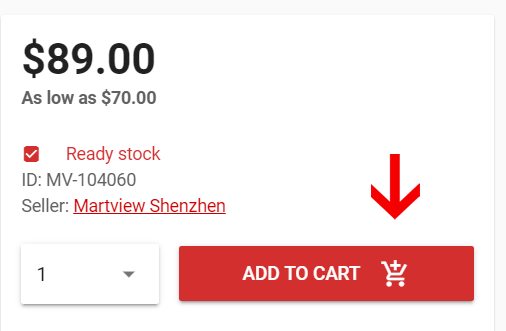
Select a product and click on "Add to cart" button
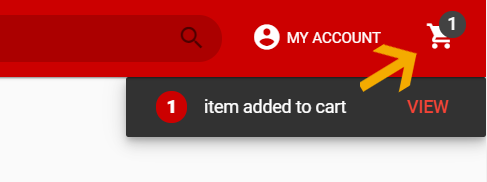
After item added to cart, click shopping cart icon
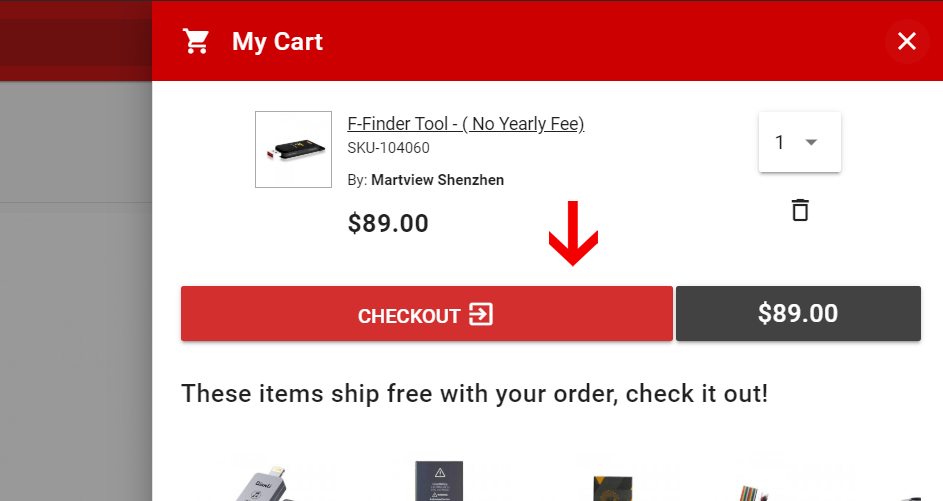
Proceed by clicking on "Checkout" button
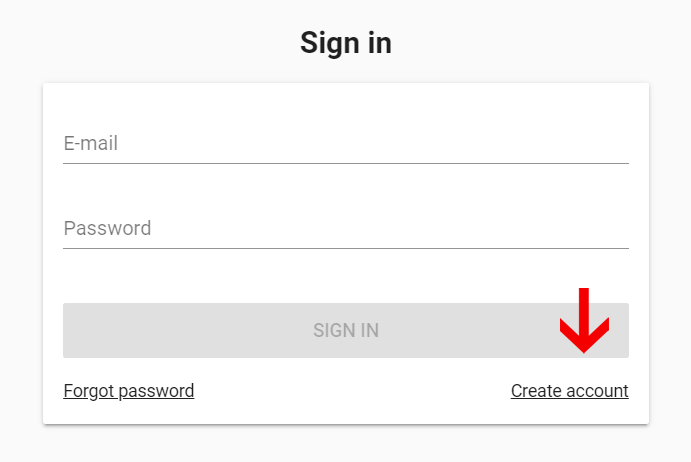
Login / create an account
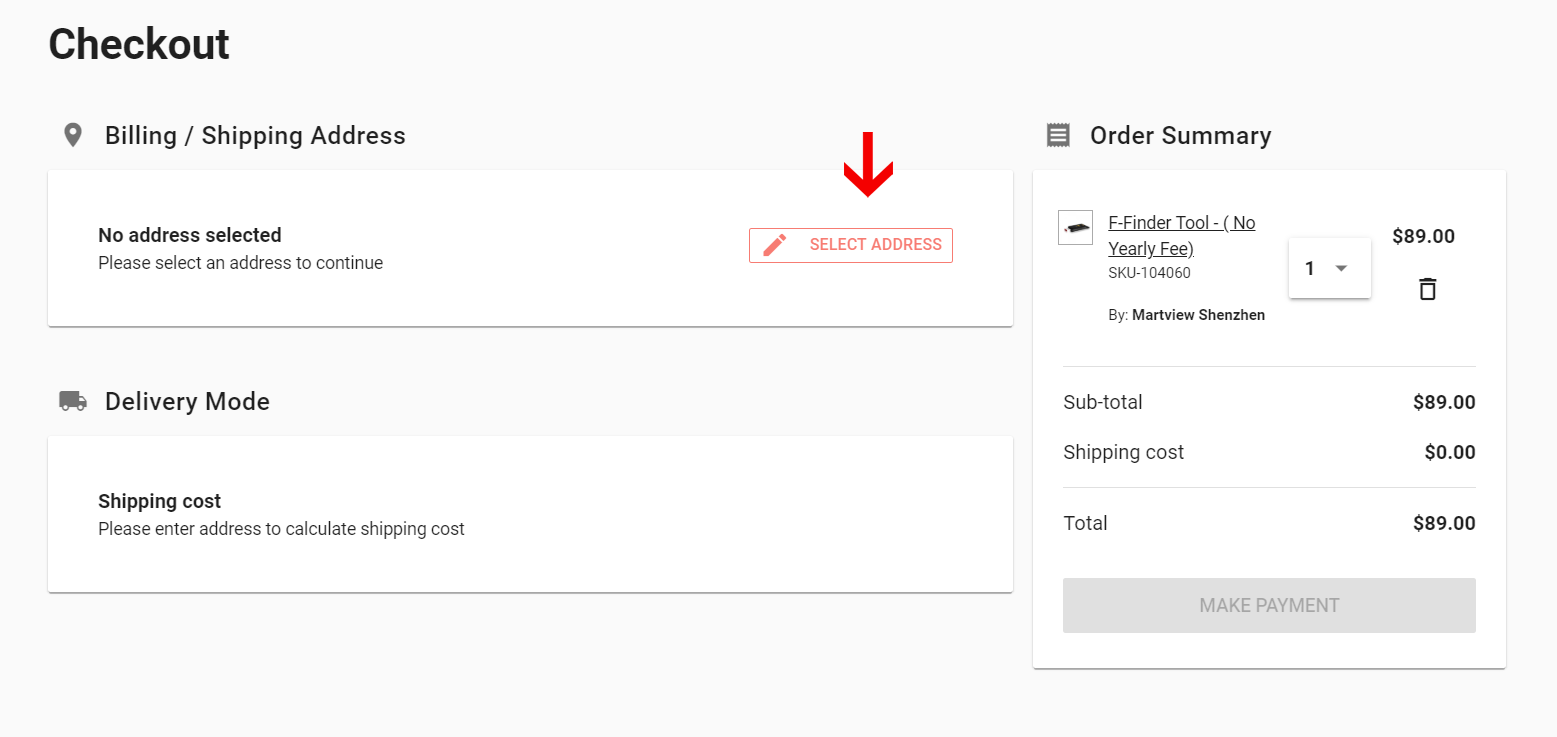
Fill in your address using "Select address" button
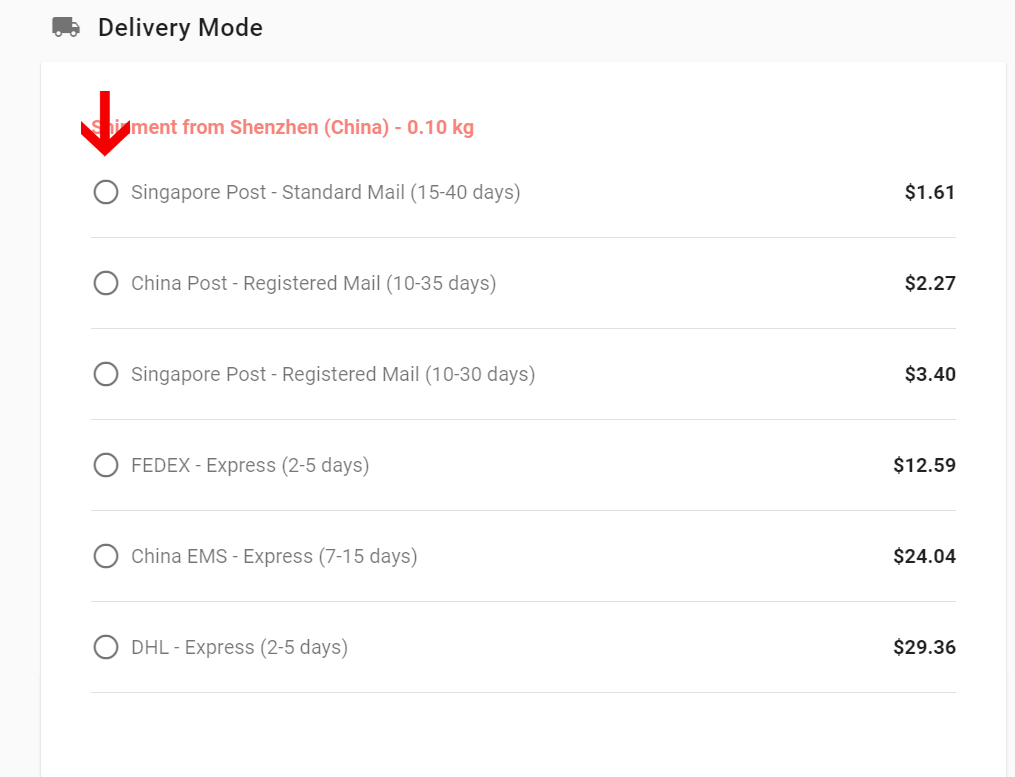
Select your preferred delivery courier
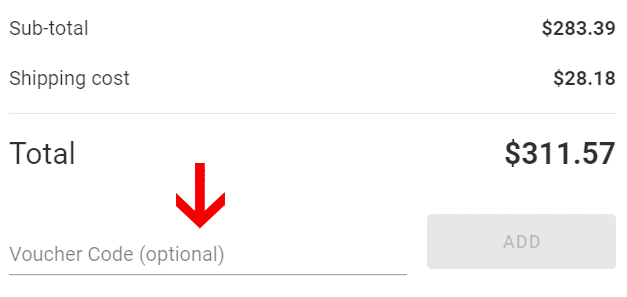
Apply voucher code to get discount (optional)
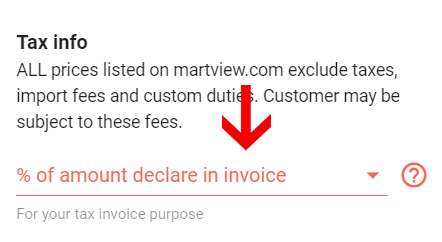
Select how many % of the amount to declare in your invoice
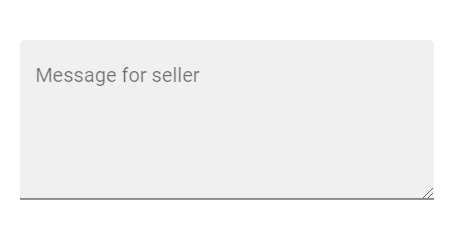
Add message for seller if needed
Click on "Make payment" button
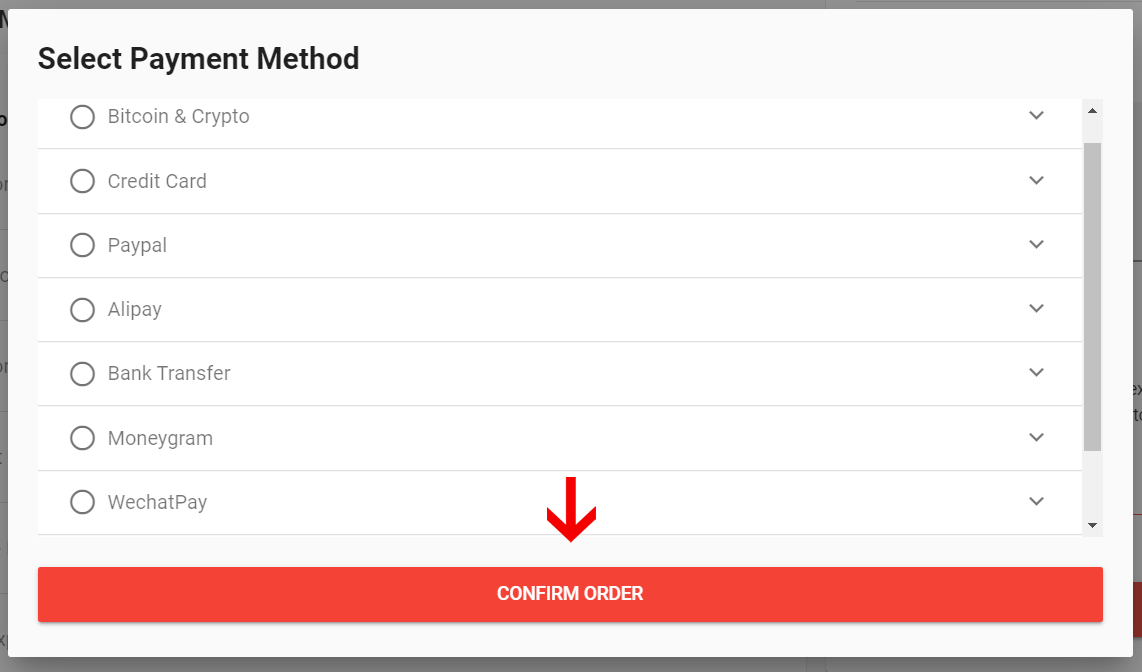
Select payment method and click on "Confirm order"
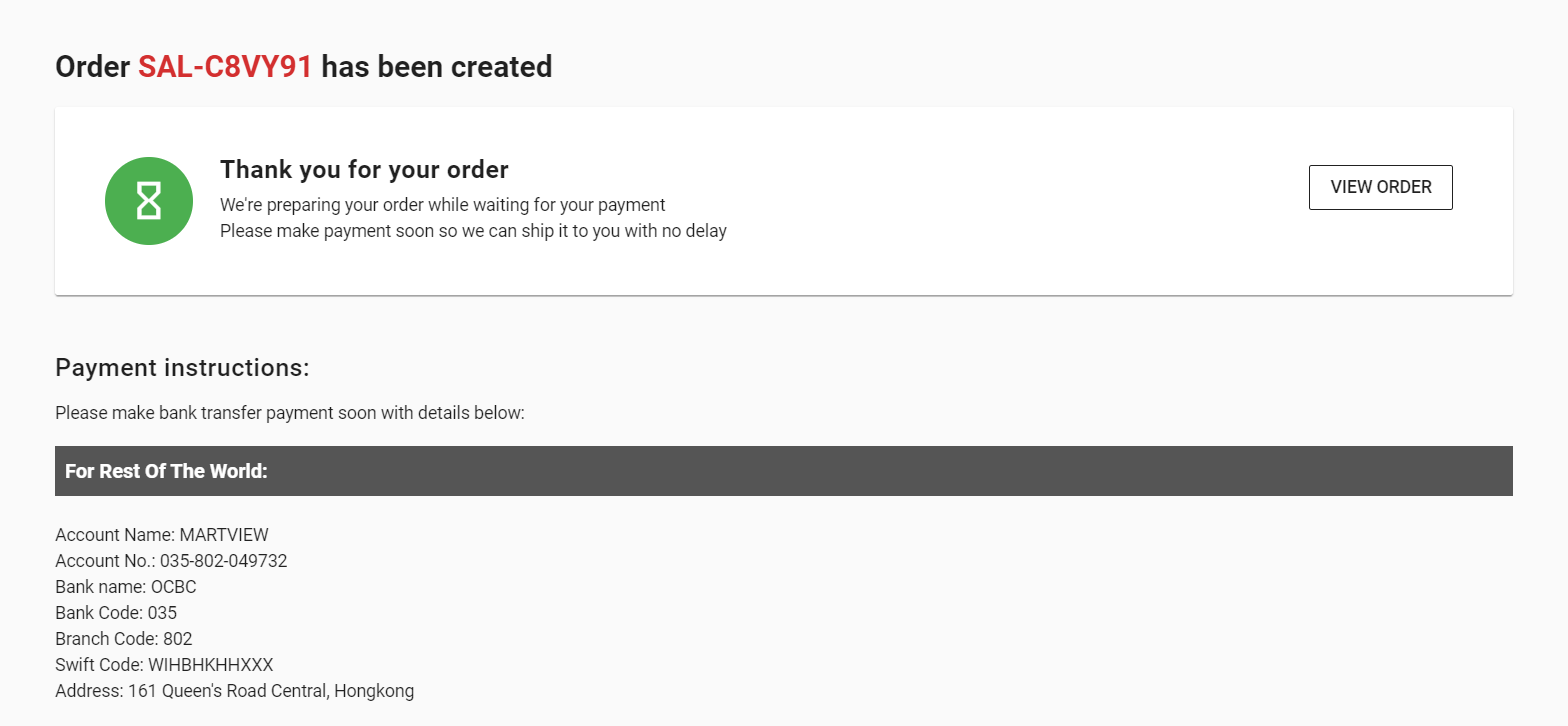
After order created, follow instructions to complete payment